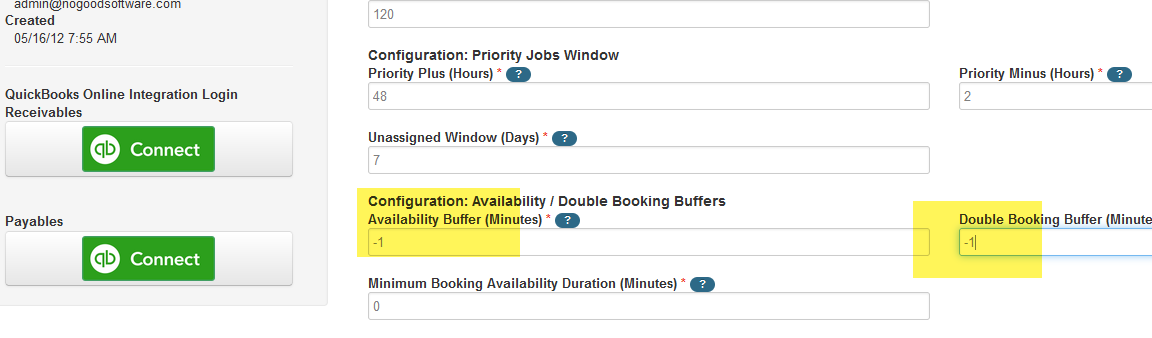
These 2 booking buffers are found in Admin > Company > Configuration

The Availability Buffer is used to determine interpreter availability.
The number entered represents the number of minutes that are added prior to and after the scheduled duration of a job when checking for Interpreter availability. For example, if 15 is added, the interpreter's schedule must be available (not booked) for 15 minutes prior to the start of the job and 15 minutes after the job ends.
The Double Booking Buffer is used to determine whether an interpreter can accept a self-assigned job offer, based on their availability and this buffer amount.
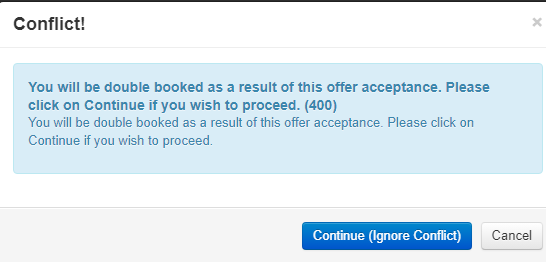
The number represents the number of minutes added to both the start and the end of a booking. If the system determines the interpreter to be double booked if accepting the offer, they will not be able to self-assign, but an agency user can always override and still assign the interpreter. When accepting the job offer, a message will display indicating that they are not allowed to be double-booked.
If the agency chooses to enter a negative number in this field, e.g. -15, the interpreter's double-booking buffer warning is ignored and the system will allow the interpreter to accept and self-assign the job offer.
Double-booking Warning Behavior (**see Workaround at end of this doc)
Company Config using Job Offer Pool- agency manually assigns interpreter from a pool of interpreters who accept job offer: The interpreter will NOT see the double-booking warning at the time of acceptance of the job offer.
Company Config not using Job Offer Pool- first interpreter to accept job offer gets assigned job: The interpreter will not be able to accept the job offer.
Interpreter sees this message when accepting via an email offer:
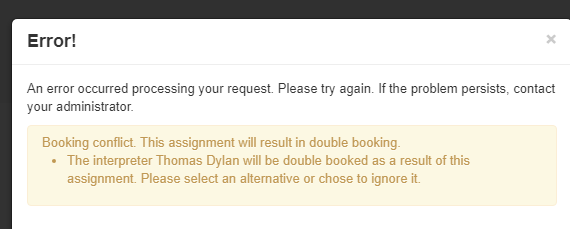
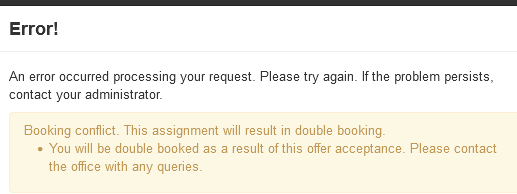
From the interpreter portal, the interpreter see's this message when accepting an offer:
If the agency checks the "Allow Double Booking" when manually sending out job offers, the interpreter will see a different message
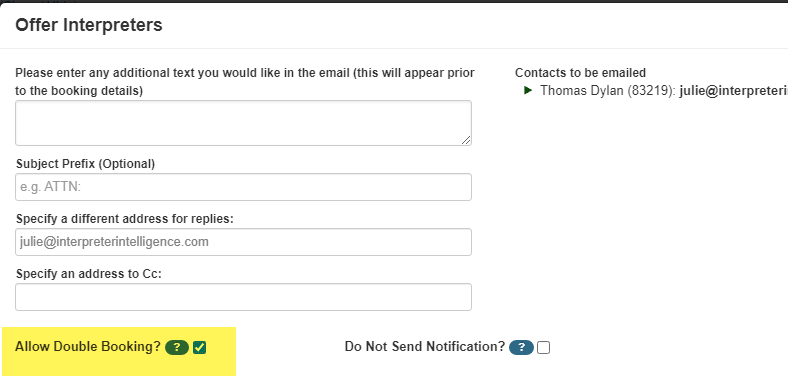
The above action allows the interpreter to accept the job offer and get assigned to the job:
Potential Issue when allowing double-booking job offers
Scenario: Interpreter scheduled for job from 1-2 pm at Hospital location. An offer is sent for a job at the same location from 2-3 pm. Interpreter accepts job but double-booking conflict prevents them from being auto-assigned.
Workaround
It is possible to set the buffers to -1 on the Company Configuration so that an interpreter can accept a job offer for a job that starts at exactly the same time that the first job ends. This is a global setting affecting all job offers. It is implied that it is the interpreter's responsibility not to accept back-to-back jobs that require time to travel in between.